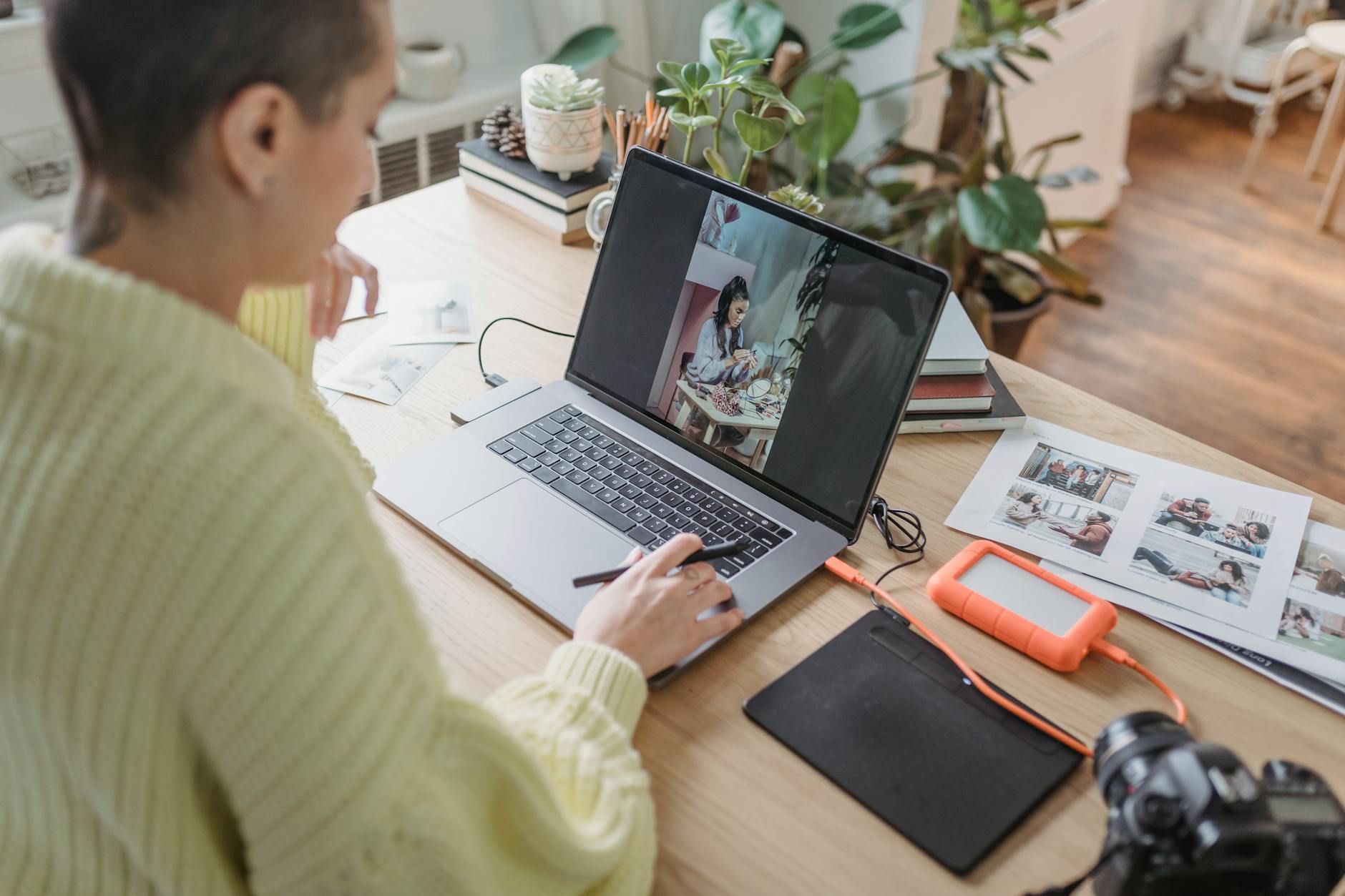
You could spend three hours editing a single photo until every shadow, highlight, and colour grade is exactly right. But ask you to write a caption for it, and suddenly you'd rather reorganise your entire Lightroom catalogue.
You're not alone. Most photographers are visual thinkers. Words are not your medium. And yet here we are in 2025, where posting consistently on Instagram, sending email newsletters, and showing up on LinkedIn has become as much a part of running a photography business as actually taking photos.
The good news: AI has genuinely gotten good enough to help with this. Not in a "paste a generic prompt into ChatGPT and get something that sounds like a robot wrote it" way. In a real, practical, saves-you-hours-every-week way. This post breaks down exactly how photographers can use AI content tools to handle the writing side of their business without losing their unique voice or spending their evenings staring at a blinking cursor.
Why Photographers Struggle with Content Marketing (And Why It Matters)
Let's be honest about what's actually happening here. Writing captions feels hard because it requires a completely different part of your brain than photography. When you're shooting, you're reacting, observing, and making instinctive decisions in split seconds. When you're writing, you have to slow down, find the right words, and think about what your audience actually wants to read. It's uncomfortable.
But here's the thing: inconsistent content is quietly costing photographers real money. Potential clients who land on your Instagram and see the last post was six weeks ago move on. Couples looking for a wedding photographer are often choosing between two photographers with similar portfolios, and the one who shows up consistently online tends to win the booking. Content is not separate from your business. It is part of your business.
The mistake most photographers make is thinking they need to become better writers. You don't. You need a better system.
What to Actually Look for in an AI Tool for Photographers
Not every AI content tool is built the same way, and a lot of them will produce content that sounds completely disconnected from how you actually talk. Here's what actually matters when you're choosing one.
Brand voice training. This is the big one. Generic AI output sounds generic. The best tools learn from your existing content, whether that's your website copy, your previous captions, or your about page, and then generate new content that sounds like you. If you sound warm and relaxed with your couples, your captions should too. If you're known for a more editorial, high-fashion style, your copy should reflect that. Look for tools with a proper AI brand voice generator that actually analyses your tone rather than just asking you to pick from a dropdown menu.
Multi-format output. You're not just writing Instagram captions. You need email subject lines, Instagram carousels, blog post ideas, video scripts for Reels, and maybe even LinkedIn posts if you're targeting corporate clients or other photographers. A good AI content creation tool should handle all of these, not just one format.
Specificity to your niche. Wedding photography captions are different from newborn photography captions, which are different from commercial product photography captions. The best tools let you give context so the output is actually relevant.
Speed. If it takes you 20 minutes to set up a prompt and you still have to heavily rewrite the output, you've saved yourself nothing. The tool should be fast and require minimal editing.
A Practical System for Batch-Creating Your Photography Content
Here's a real workflow you can actually follow, whether you're using an AI tool or not, though using one makes each step dramatically faster.
Step 1: Block two hours once a month for content creation. That's it. Not every day, not every week. One two-hour session per month. This is your content day.
Step 2: Pull together your recent work. Pick eight to twelve images from your most recent shoots that you want to feature. These become your content pillars for the month.
Step 3: For each image, note three things. What was the moment or brief behind this shot? What do you want your audience to feel or learn from it? What's one piece of practical or behind-the-scenes information you could share? These three prompts become the raw material for your captions and posts.
Step 4: Feed this into your AI tool. A good AI social media content generator can take those raw notes and turn them into polished captions, carousel slide copy, email hooks, and more in minutes. What used to take you four hours now takes forty minutes.
Step 5: Do a light edit pass. Read each piece of output and tweak anything that doesn't sound right. Add a personal detail, swap out a word, adjust the call to action. You're not rewriting, you're refining. This should take five minutes per post, not fifty.
Step 6: Schedule everything. Use a scheduling tool like Later, Buffer, or Meta Business Suite to queue your posts for the month. Done.
How to Write Instagram Captions That Actually Book Clients
Even with AI doing the heavy lifting, it helps to understand what makes a photography caption work. Here's a simple framework you can use or give to your AI tool as context.
The hook. The first line of your caption is the only thing people see before they tap "more." It should stop the scroll. A question works well. So does a bold statement or a short, surprising observation. "The ceremony was seven minutes long. The photos will last a lifetime."